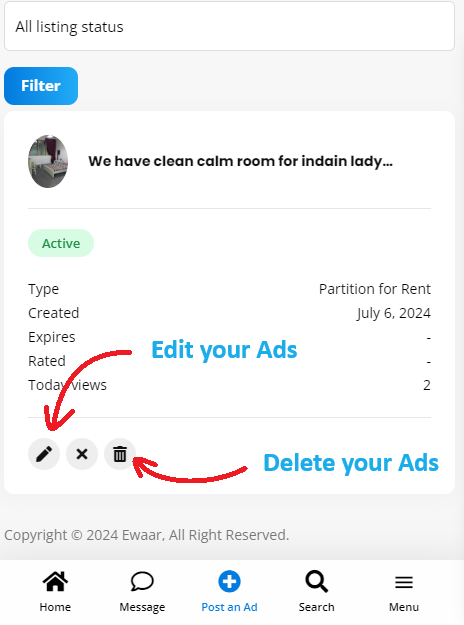
If you are looking to edit or delete your posted Ads, you can simply follow the steps below.
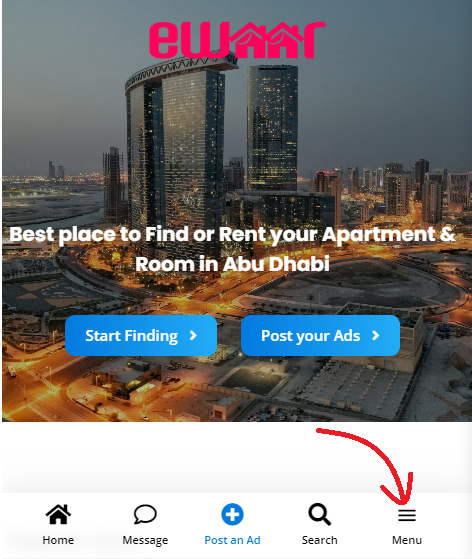
For mobile users, You can go to Menu icon at the botton-right for the screen.
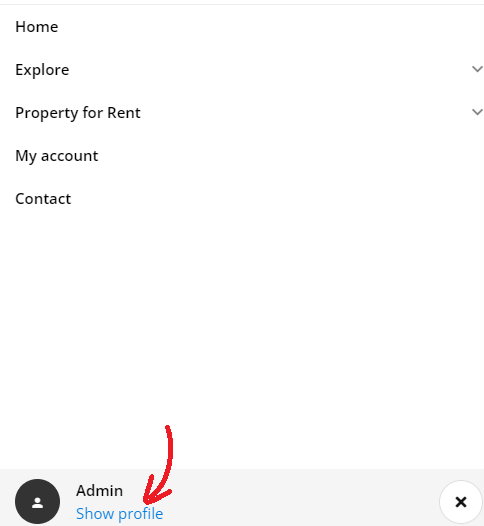
Then press “Show Profile” at the bottom-left.
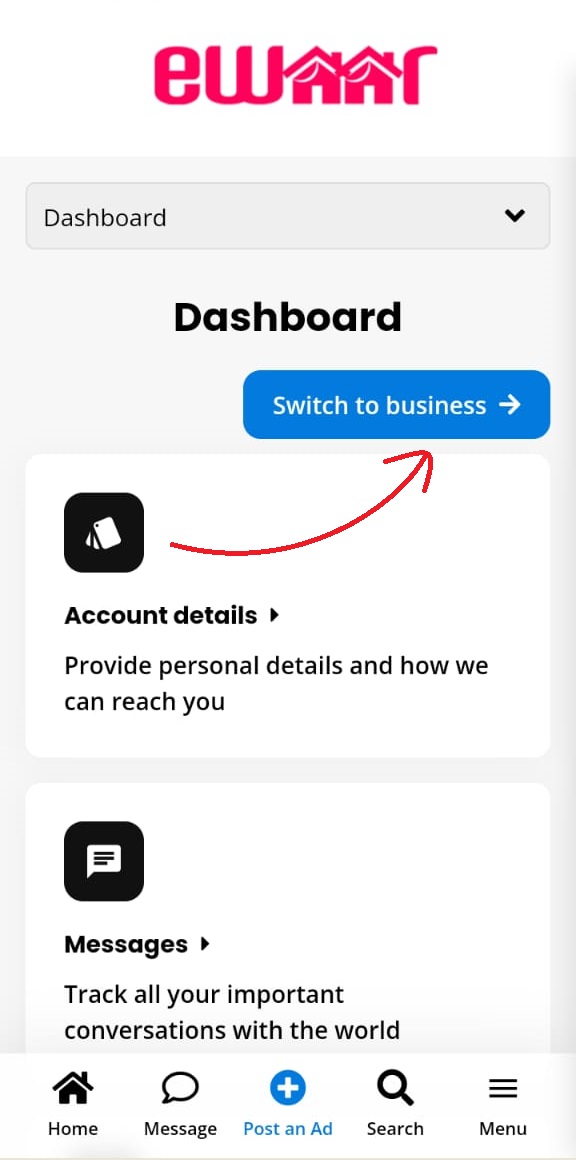
Then in the Dashboard your will find “Switch to business” button.
Note: if you have created your account using Business then only you will be able to see this option. You can send us a messages using this Contact form and we will activate this option for you.
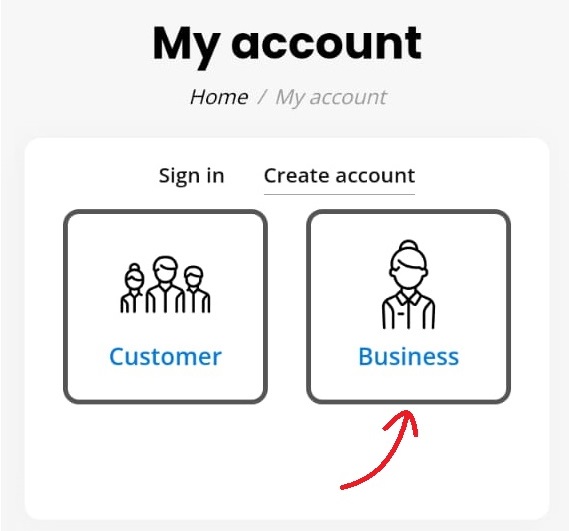
Press “Switch to Business” button
Now, scroll down then find “Listings” icon..
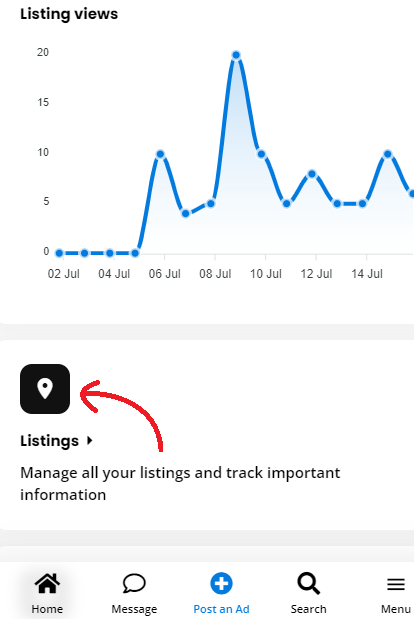
You will find all your posted Ads here, all you have to do it press “Pen” icon to edit or press “Bin” icon to delete your Ads. That’s it.